Employee Scheduling Software - OptiShifts
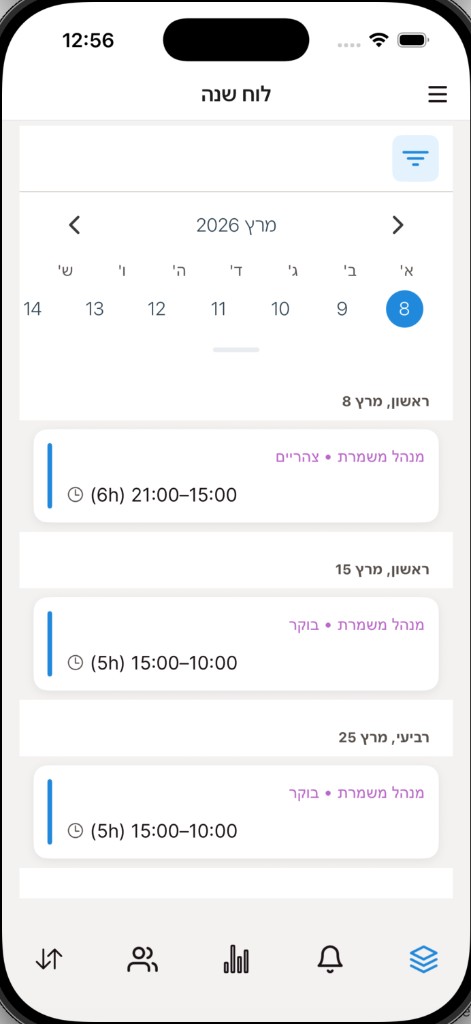
My shifts
After publishing, each employee sees their shifts in a calendar, by date, hours and role. No need to hunt for the latest version in messages.
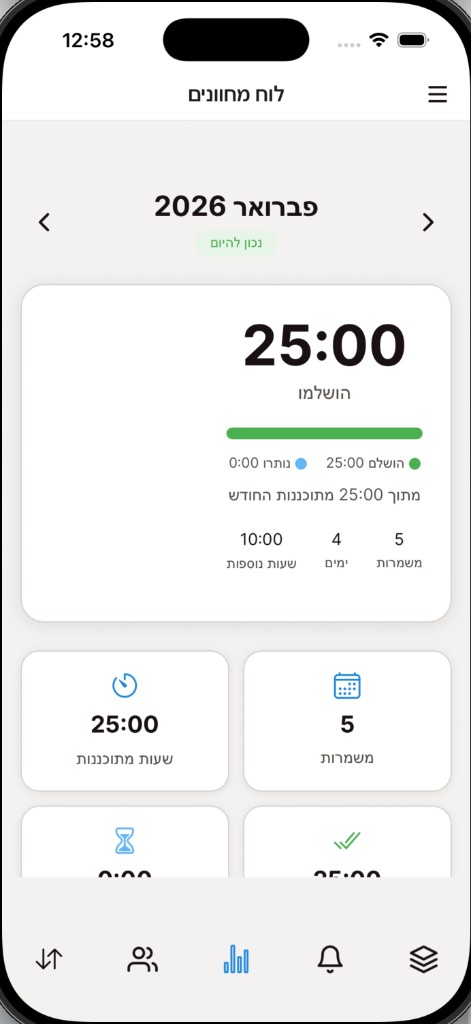
Submitting availability
The employee marks when they can work, before the schedule is built. The manager sees the whole team's availability in one place, so the proposal is built around who is actually free.
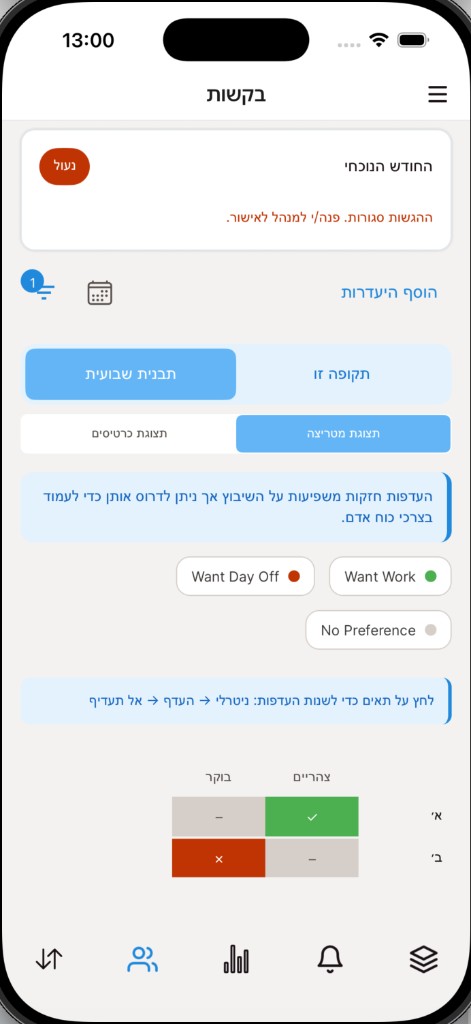
Swap and absence requests
The employee requests a shift swap or submits an absence request from the phone. Requests reach the manager in one place, not buried in a message thread.
Employee onboarding
The manager invites the employee, who signs in with their details and starts submitting availability. There is no complex install, so the team adopts it quickly.
What the employee sees and what the manager sees
The employee submits availability and requests and sees the shifts published for them. The manager defines the team, roles and rules, sees availability, builds a proposal, edits and publishes. Management screens open by permission — an employee does not get them just because they use the app. Read about the full management process on the shift management system
